Troubleshooting: PLC Communication Errors on Looms
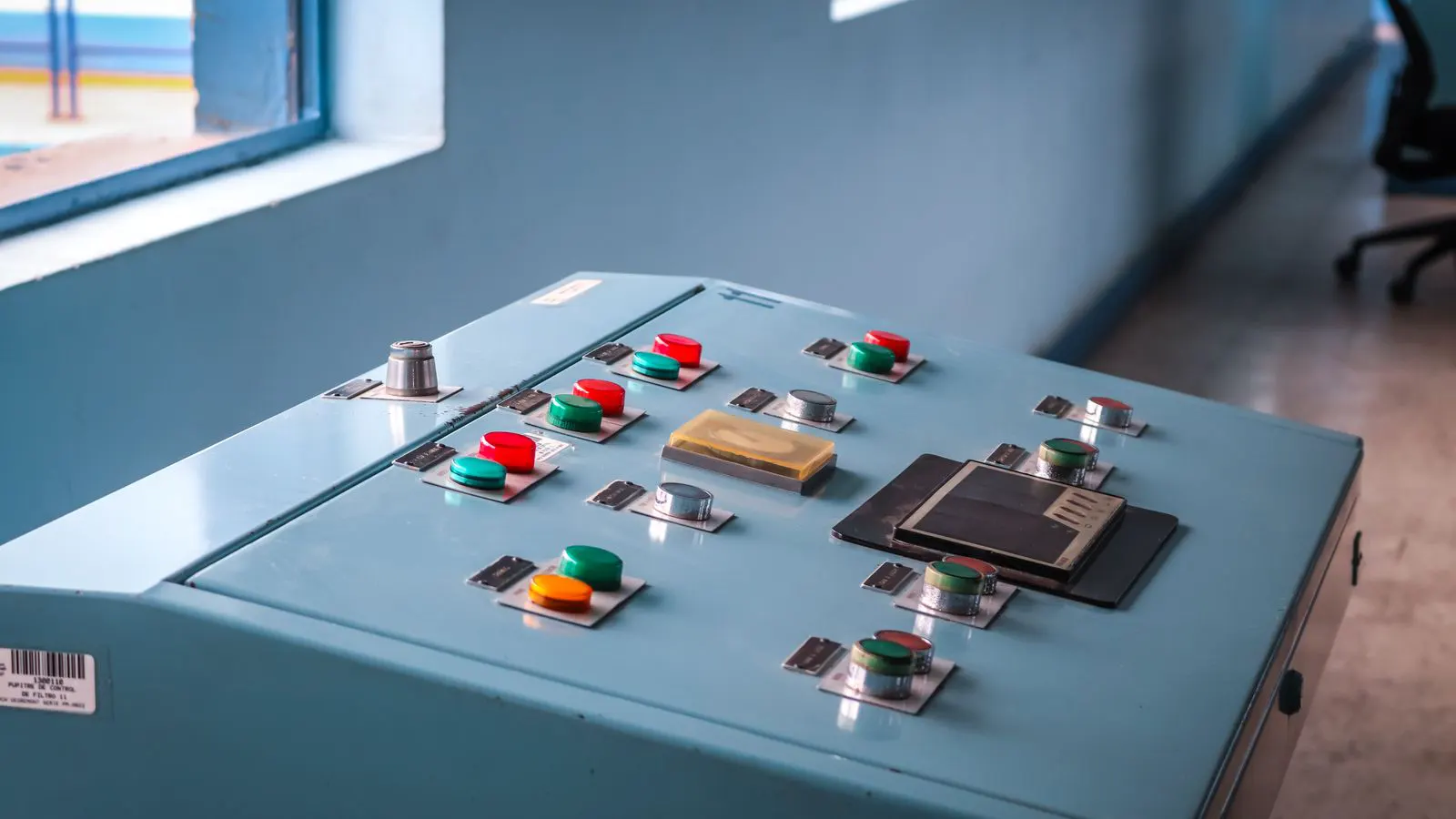
This guide helps you isolate and fix PLC communication failures on looms. It lists common symptoms, likely causes, and practical fixes in a table. It also covers wiring checks, signal grounding, and prevention tips to reduce downtime.
- Check wiring, terminals, and grounding before replacing a PLC module.
- Match signal types and voltage levels between the PLC and external devices.
- Keep control cabinets clean, dry, and properly shielded to reduce interference.
- Document every fault code and fix so patterns become visible over time.
Why PLC Communication Fails on Looms
A loom PLC talks to many devices at once: motor drives, sensors, safety relays, HMI screens, and sometimes a central control room. When one link in that chain weakens, the machine may stop, freeze, or throw error messages that look unrelated to the real problem.
Most communication faults are not caused by bad logic. They start with physical issues: loose terminals, damaged cables, noise on the bus, or a mismatch between signal levels. The good news is that a large share of these problems can be found with basic checks and a multimeter.
This guide focuses on what you can do on the floor, not on vendor-specific menus. The steps below work for many integrated loom control systems, whether the machine is a new installation or an older loom that has been retrofitted with modern electronics.
Common Symptoms and Quick Fixes
The table below lists the symptoms you are most likely to see, the causes that usually match them, and the first action to take. Work through the rows in order. The first match often points to the right area.
| Symptom | Likely cause | What to do |
|---|---|---|
| PLC reports no communication with HMI | Loose or broken Ethernet cable, bad RJ45 connector, or wrong cable type | Inspect the cable from end to end. Replace if the jacket is nicked or the connector is bent. Confirm the cable is the type the PLC and HMI both support. |
| Intermittent errors that return after restarts | Ground loops, poor shielding, or cables running near high-current lines | Move the cable away from motor cables and contactors. Check that the shield is grounded at one end only. Tighten cabinet earth connections. |
| One sensor channel fails while others work | Failed input module, damaged sensor, or wrong voltage at the sensor | Measure voltage at the sensor and at the PLC terminal. Swap the sensor with a known good one. Check the terminal for corrosion or loose screws. |
| Communication works, then drops when the loom starts | Power sag from motor startup, or insufficient PLC power supply | Check supply voltage at the PLC during startup. Add a local power conditioner or separate the motor feed from the control feed if sag is confirmed. |
| All devices lose link at once | Common power failure, broken backplane, or failed communication bus controller | Check the main control breaker and fuses. Look for a damaged backplane or loose bus connector. Replace the bus controller module as a last step. |
| Error code changes with each restart | Software mismatch, wrong parameter set, or corrupted configuration | Restore the last known good configuration from backup. Compare parameter values between the controller and the connected devices. |
Do not replace a module until the physical layer is checked. A new module will not fix a loose terminal or a noisy cable.
Check the Physical Layer First
Start at the cabinet. Open the control panel and look for obvious signs of trouble. A terminal that is slightly loose will vibrate loose over time. A connector that is half seated will give you an error that looks random.
Run your fingers along each cable. Feel for kinks, sharp bends, or points where the cable rubs against a metal edge. If a cable runs through a panel hole without a grommet, add one. Metal edges cut insulation and create intermittent faults.
Check the terminals. Remove a screw, inspect the wire, and reseat it. Torque the screw to the value marked on the terminal. Overtightening can damage the terminal, but undertightening lets the wire pull out. Both cause faults.
If the communication cable is a shielded type, confirm the shield is grounded properly. A common mistake is grounding the shield at both ends. This creates a ground loop and lets noise ride the cable. Ground the shield at the PLC side only, unless the manufacturer specifies otherwise.
Verify Power and Grounding
Communication faults often hide in the power system. A PLC will run on weak power, but the bus may behave badly. Check the supply voltage at the terminal block under load. Measure it while the loom is idle and while the loom is running. A drop of a few volts may be enough to trigger a fault.
Look for shared ground paths. If the PLC ground, the HMI ground, and the sensor ground are not connected at one point, you can get voltage offsets that confuse the communication. Trace the ground bus bar in the cabinet. Make sure it is clean, tight, and continuous.
Check the main earthing connection at the cabinet. A loose earth strap can let noise build up on the metal enclosure. The enclosure should be at the same potential as the building ground. If it is not, the cable shield has no stable reference.
Inspect the Communication Bus
Many loom controls use a fieldbus. The bus is a shared electrical path. One faulty device can drag the whole line down. If you see an error that affects several devices at once, the bus itself is a prime suspect.
Check the bus terminations. Most fieldbus systems need a termination resistor at each end. If a resistor is missing or damaged, the signal bounces and the bus reports errors. Confirm the termination is in place and the correct value is used.
Check the bus topology. Some protocols prefer a linear run. Others allow branches. A long branch can increase noise. If the original layout has been changed, restore the intended path where possible.
Look at the cable routing. Keep the bus cable away from power cables. If they must cross, cross at right angles. Do not run them parallel for long distances. This reduces the chance that motor noise will couple into the data line.
Review Signal Types and Voltage Levels
Not every signal is the same. A digital input may expect 24 VDC. An analog input may expect 4 to 20 mA. A sensor that outputs the wrong level will not be recognized, even if the wiring is perfect.
Check the sensor datasheet and compare it with the PLC input specification. If the sensor is 12 V and the input is rated for 24 V, the signal may be too weak. If the sensor is 24 V and the input is 5 V, the input can be damaged.
Match the cable type to the signal. A twisted pair is better than a single conductor for analog signals. A shielded twisted pair is better for fieldbus. The cable does not need to be expensive, but it must be stable and rated for the environment.
Check for mixed signal types on the same cable. Do not run a 4 to 20 mA signal and a fieldbus signal on the same pair. They will interfere. If a retrofit has added a new sensor to an old cable run, reroute it on a separate path.
Review Configuration and Parameter Settings
A communication error can also be a configuration error. If the PLC, HMI, and drives are not speaking the same version of the protocol, they will exchange data but not understand it.
Check the address assignments. Each device on the bus has an address. If two devices share the same address, the bus will report a fault. Confirm the address list matches the physical devices.
Check the baud rate or data rate. If the HMI is set to one speed and the PLC to another, the link will fail. Confirm the rate is identical at both ends.
Check the module type. Some PLCs use a built-in communication module. Others use a separate card. If the card is not the correct type for the protocol, it may power on but not communicate. Verify the module part number against the bus protocol.
Keep a configuration backup. Save the last working set before making changes. If a fault appears after a parameter edit, restore the backup and repeat the change one step at a time.
Prevention Tips
Prevention is cheaper than downtime. A few habits will keep most communication faults from appearing.
- Label every cable at both ends. A labeled cable is easier to trace, and easier to fix when it fails.
- Use a spare set of cables in the spare parts kit. A broken Ethernet cable is a common failure, and a spare saves an hour of work.
- Tighten terminals during scheduled maintenance. Do not wait for a fault. A loose terminal is a future fault.
- Keep the cabinet clean. Dust and metal shavings attract moisture and create short circuits.
- Log every fault code. A pattern in the codes tells you more than one isolated error.
If you retrofit an older loom with new electronics, follow the same rules. The new hardware will not tolerate sloppy wiring the way an old relay panel might.
When to Call for Support
Some faults are not safe to fix on the floor. If the PLC reports a bus fault that persists after you have checked cables, terminals, and power, stop and call the integrator or the manufacturer.
Do not open the PLC backplane unless you are trained to do so. A loose card can damage the bus. Do not replace a module until the physical layer is confirmed.
If the fault appears after a software update, revert to the last known good version. Do not mix firmware versions between the PLC, the HMI, and the drives.
Frequently asked questions
What is the fastest way to find a loose terminal?
Start with the devices that are failing. Open the cabinet and visually inspect the terminals on those channels. Look for discoloration, loose screws, or wires that are not seated.
Can a communication fault be caused by a sensor?
Yes. A failed sensor can send a short, an open, or a noisy signal. Swap the sensor with a known good one and check the voltage at the PLC terminal.
Should I ground the shield at both ends?
No. Ground the shield at the PLC end only, unless the manufacturer specifies otherwise. Grounding at both ends can create a ground loop and let noise enter the system.
What should I do if the error appears only when the loom runs?
Check the power supply under load. Measure the voltage at the PLC while the loom is running. If it sags, separate the motor power from the control power.
Is it safe to replace a PLC module without checking the wiring?
No. Check the wiring, terminals, and power first. A new module will not fix a loose terminal or a noisy cable, and it may not be the right part.